
Why Your Emails Sometimes Look Like Garbled Nonsense. The History of Base64 and Why It Is Everywhere in Web Development
Traces Base64 from its 1982 email origins to its modern role in JWTs, HTTP Basic Auth, and data URIs. Essential reading for developers who use it daily.
 By Muhammad Zeeshan~8 min read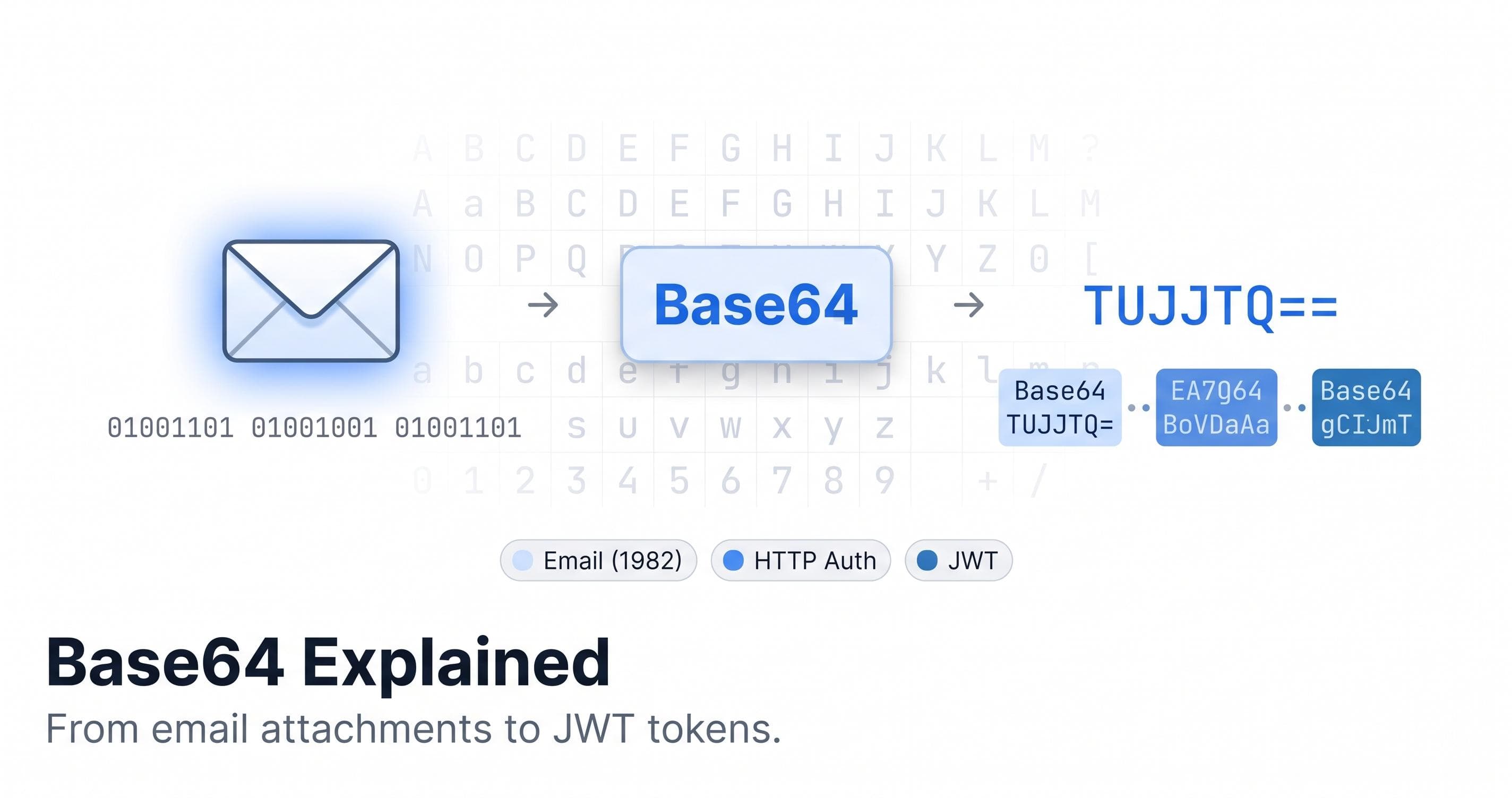
In 1982, sending an email was simple in one sense and deeply limited in another. The Simple Mail Transfer Protocol carried messages between servers using 7-bit ASCII. That's 128 possible values: the English alphabet, digits, punctuation, and a handful of control characters.
Binary files, images, executables, compressed archives. Anything that used the full range of 256 possible byte values couldn't travel through that system intact. Mail servers would strip the eighth bit off every byte, interpret certain byte values as control characters, or silently drop content altogether.
If you wanted to attach a file to an email in the early 1980s, you needed a way to represent arbitrary binary data using only the characters that mail infrastructure could reliably pass through. That requirement is why Base64 exists, and understanding it explains why the encoding appears in places that have nothing to do with email.
The MIME Solution
The Multipurpose Internet Mail Extensions specification, published in 1992, defined a formal standard for encoding binary content in email messages. It introduced a Content-Transfer-Encoding header that told receiving clients how to decode the message body. The most capable option was Base64.
The algorithm is straightforward. Take three bytes of binary data: 24 bits total. Split those 24 bits into four groups of 6 bits each. Each 6-bit value is a number from 0 to 63. Map each number to one of 64 printable ASCII characters: uppercase A through Z for 0 to 25, lowercase a through z for 26 to 51, digits 0 through 9 for 52 to 61, and two additional characters for 62 and 63. The RFC 2045 standard uses plus for 62 and forward slash for 63.
Three bytes become four characters, every time. The output is always a multiple of four characters, with padding equals signs added when the input length isn't divisible by three.
The 33 percent size increase is the price of compatibility. You're trading storage and bandwidth for the ability to pass binary content through a system built for plain text. In 1992, that tradeoff was worth it to finally send file attachments reliably.
What Garbled Email Actually Looks Like
When you see blocks of text like this in an email source or a raw API response, that's Base64.
iVBORw0KGgoAAAANSUhEUgAAAAEAAAABCAYAAAAfFcSJAAAADUlEQVR42mNk+M9QDwADhgGAWjR9awAAAABJRU5ErkJggg==That specific string is a 1x1 pixel PNG image: 68 bytes of binary data encoded as 92 characters of Base64. The equals signs at the end are padding because 68 bytes doesn't divide evenly by three.
Decode it and you get a binary file. Re-encode that file and you get exactly that string again. Fully reversible, zero information loss. That's the point.
From Emails to Everywhere
In the 30 years since MIME was published, Base64 has spread through web development in ways that have nothing to do with email. If you work with JWTs, HTTP authentication, CSS, or API payloads, you're using it constantly.
JWT Tokens
A JSON Web Token is three strings joined by two dots.
eyJhbGciOiJIUzI1NiIsInR5cCI6IkpXVCJ9.eyJzdWIiOiIxMjM0NTY3ODkwIn0.SflKxwRJSMeKKF2QT4fwpMeJf36POk6yJV_adQssw5cThe first string is the header. The second is the payload. The third is the signature. Each is encoded with a variant of Base64, not the email version. Take the first segment and decode it: you get valid JSON.
{"alg":"HS256","typ":"JWT"}The payload decodes to the claims your auth system issued.
{"sub":"1234567890"}JWTs use Base64 for the same reason MIME did. The token needs to travel through systems that might not handle arbitrary binary content reliably. HTTP headers, URL query parameters, and cookie values all have character restrictions. Base64 produces output that's safe to embed in all of these without escaping.
HTTP Basic Authentication
The HTTP Basic Auth scheme sends credentials in the Authorization header. The format is the word Basic, followed by a space, followed by a Base64-encoded string of username:password.
Authorization: Basic dXNlcm5hbWU6cGFzc3dvcmQ=Decoding that gives you username:password. The encoding doesn't do anything for security. Basic Auth over HTTP is not secure. Over HTTPS, the security comes from TLS, not from Base64. It's used here purely because the username and password might contain characters with special meaning in HTTP headers.
This trips developers up regularly. An opaque Base64 string in an Authorization header looks like encrypted credentials. It's not. It's plaintext credentials in a format that HTTP can carry without parsing errors.
Encoding, encryption, and hashing are three different jobs, and mixing them up is how credentials leak. The LinkedIn password breach shows the same mistake on the storage side: 117 million passwords hashed with unsalted SHA-1, a fast hash that offered little protection once the file leaked.
CSS Data URIs
CSS lets you embed image data directly in a stylesheet instead of referencing a separate file.
background-image: url("data:image/png;base64,iVBORw0KGgoAAAANS...");The data URI specifies the media type, signals Base64 encoding, and includes the encoded bytes inline. This eliminates an HTTP request for the image, which matters in specific situations: loading spinners that must appear before external resources load, small icons that change based on theme, and email templates where clients can't reference external URLs.
The tradeoff is size. Base64 adds 33 percent overhead, the image can't be cached independently from the stylesheet, and the CSS file grows with every embedded image. Worth it in the right cases. Not as a general approach.
Where Base64URL Is Different from Base64
The version of Base64 used in JWTs isn't the same as the version defined in RFC 2045. JWT uses Base64URL, and the difference matters in code.
Standard Base64 uses plus for value 62 and forward slash for value 63. Both have reserved meaning in URLs. A plus sign in a URL query string means a space. A forward slash in a URL path is a path separator. Embedding standard Base64 in a URL without encoding it first produces a broken URL.
Base64URL replaces those two characters. Plus becomes a hyphen. Forward slash becomes an underscore. Neither has special meaning in URLs or HTTP headers. Base64URL also drops the padding equals signs, because equals signs have meaning in query strings as key-value separators.
Mixing the two variants causes silent bugs. If you receive a Base64URL-encoded JWT, treat it as standard Base64, and pass it through a standard decoder, you'll get wrong output for any token that encoded values 62 or 63. The failure won't be obvious until something downstream breaks.
When decoding a JWT, use a library that knows about Base64URL. For HTTP Basic Auth headers or email attachments, use standard Base64. If you're not sure which variant you have, check for hyphens. Hyphens mean Base64URL.
Decoding a Base64 String You Received
When an API returns a Base64-encoded value, decode it and inspect it before building logic on top of it.
This comes up with authentication headers, opaque tokens from OAuth flows, blob fields in API responses, and attachments from email processing APIs. The value looks like a wall of characters. It contains structured data the API expects your client to understand. Decoding it tells you what you're actually working with.
The most common inspection cases:
JWT payloads. Decode the second segment to read the claims. Check exp against the current timestamp. Verify iss matches the expected issuer. Confirm aud is your service identifier. Developers skip these checks because reading a JWT requires a decoding step and that step creates friction. Remove the friction and you'll check more often. The JWT Decoder does exactly this: paste a token and it splits and decodes all three segments, with a timestamps panel that converts exp, iat, and nbf to human-readable dates automatically.
Credentials in Authorization headers. When debugging an integration with a third-party API that uses Basic Auth, decoding the Authorization header confirms the credentials being sent are exactly what you expect. Character encoding issues in usernames or passwords can produce a Base64 string that decodes to something slightly wrong, invisible in encoded form.
Binary response fields. Some APIs return binary blobs, file contents, or cryptographic material as Base64. Decoding in the browser lets you inspect the length, the first bytes, and the structure without writing a script or copying values into a REPL.
The Base64 Encoder and Decoder handles both standard Base64 and the URL-safe variant. Paste the encoded value, select the right variant, and decode it without sending credentials or tokens to an external server. For anything that might contain session tokens, API keys, or user data, that distinction matters.
The 33 Percent That Never Goes Away
Base64 has been the standard encoding for binary-over-text for over 40 years. Three bytes become four characters. You pay 33 percent in size. You get complete compatibility with any system that handles text.
The character set has evolved for specific contexts, which is why JWT uses a different variant than email. The mechanism hasn't changed. The requirement that produced it, a world where many systems handle text reliably but mangle binary, still applies in more places than most developers expect.
When you see a string that looks like random noise but is suspiciously dense and ends in equals signs, it's almost certainly Base64. The information is there. You just need to decode it.
Quick Reference
| Format | Characters 62 and 63 | Padding | Common use |
|---|---|---|---|
| Standard Base64 (RFC 2045) | + and / | Required | Email attachments, binary in JSON |
| Base64URL (RFC 4648) | - and _ | Omitted | JWT tokens, URL parameters |
| MIME Base64 | + and / | Required, with line breaks | Email bodies |
The differences are small but the bugs from mixing them are real. Know the variant before you encode or decode.